Everything RECIN can do
From the knowledge network and the AI chat to managing entire organisations – the complete overview of what RECIN does today.
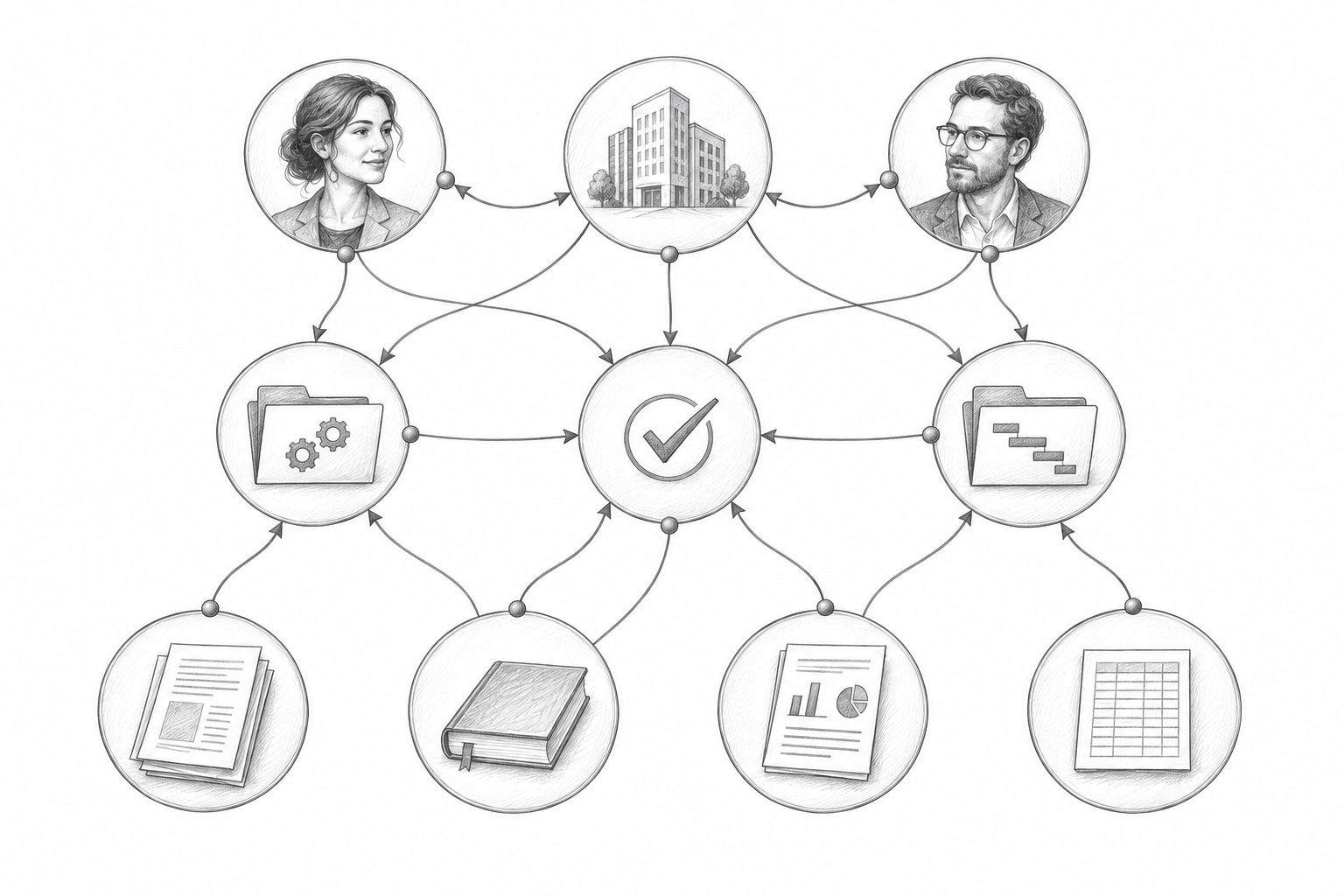
Everything is connected
People, documents, projects and decisions don't sit side by side – they are connected. Every connection knows where it comes from.
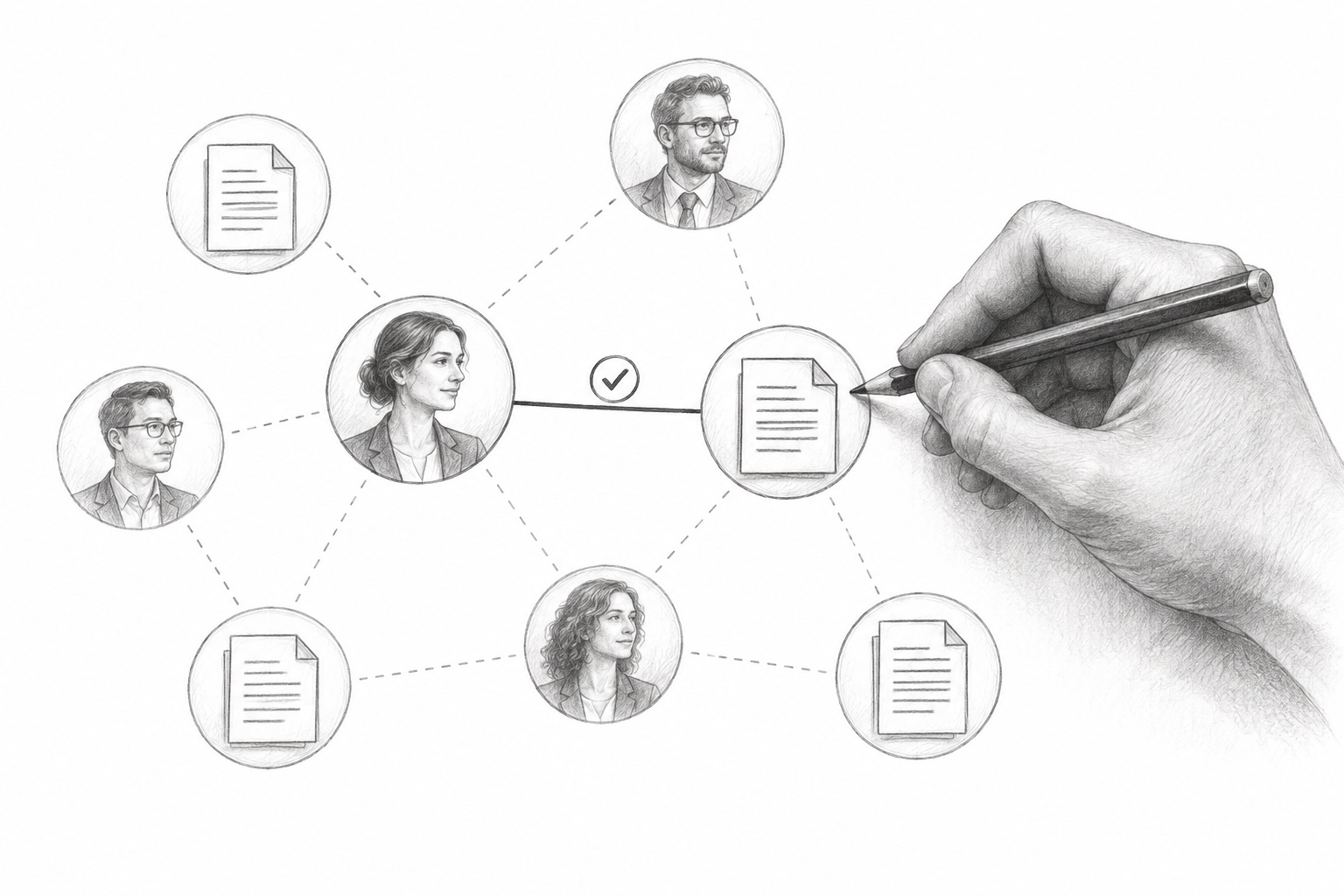
Everything is an entry
People, organisations, products, documents, appointments, projects and regions follow one common blueprint. You create your own types yourself.
Relationships with meaning
Connections carry a label – “manages”, “belongs to”, “supplies”. That is how a list becomes a network.
Fields made to measure
Every type gets the fields it needs: date, amount, text. No programming required.
Where every connection comes from
Entered, derived or unclear – and whether someone has checked it. Sources show the exact passage. If the basis changes, the check is due again.
Suggestions instead of typing
RECIN suggests entries and connections. People confirm them.
Alerts on the home page
Overdue tasks, today's appointments, open suggestions: RECIN speaks up before anyone has to ask.
Ask questions, get sources
You ask the way you would ask a colleague. RECIN answers with sources – or says openly what is missing.

Questions in everyday language
Who manages Müller GmbH? Which invoices have come in since June? Every answer points to the entries and documents it is based on.
The passage in the document
One click on the source opens the PDF – with the quoted passage highlighted.
Asking instead of guessing
If a question is ambiguous, RECIN asks a targeted follow-up. It only says “all” or “none” once every candidate has been checked. If a source is missing, RECIN says so.
Create and link in one sentence
“Create the customer Müller GmbH, Hauptstraße 1.” or “Link the offer to the project.” – RECIN shows what it will do before saving.
Translation on request
Translate a document or the last answer into another language – with a note that a machine translation may contain errors.
Save, share, export
Conversations become entries themselves and can be shared. Result lists go to Excel. The processing time is visible at all times.
Files become knowledge
A document only becomes knowledge once you can find it and understand what it is connected to.

Upload in the chat
Files go straight into the conversation. Processing runs in the background and a queue shows every step – you keep working.
Text recognition for scans
Even scanned pages become readable and searchable.
Searchable down to the paragraph
RECIN splits the content into sections. That is why answers point to the passage, not just the file.
Classification with suggestions
When you finish, RECIN suggests the document type, matching entries and connections.
Preview with permission
The server checks preview and download on every request: only those who may see the entry can see the file.
The network from every angle
The same network as a list, graph, map, calendar or schedule – whatever you need right now.

Full-text search
Searches entries and documents in fractions of a second – even in large collections.
Knowledge graph
The network as a graphic: zoom, pan, expand to full screen.
Map and locations
Entries with an address appear on the map. For Germany, RECIN knows streets, postcodes, districts and federal states.
Calendar
Appointments and deadlines are part of the network. Completed items stay visible but fade into the background.
Projects and Gantt
Project, milestone, task – with a schedule. Durations roll up from the bottom, and status follows in both directions.
Light or dark
Every user chooses their own display.
Everyone sees what they are allowed to see
Confidential stays confidential. RECIN controls who may see what at the root, not just in the interface.
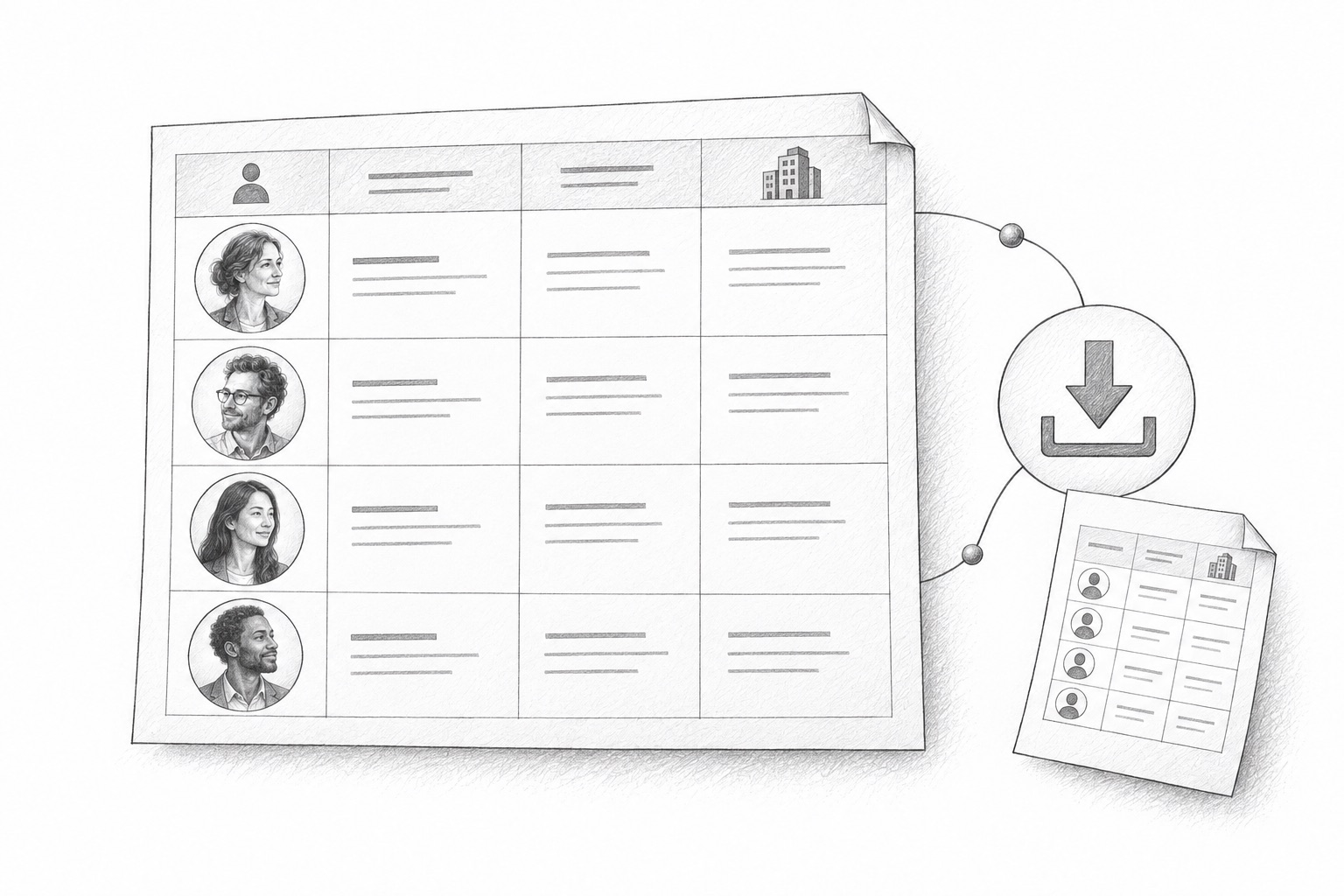
Visibility per entry
Normal, private or confidential. The database itself enforces the rule – not just the interface.
Separate organisations
Each organisation works in its own space. Sub-organisations map group structures.
Sign-in with a second factor
Password plus a one-time code by email. A known device asks for the code only once a day.
Reset your password yourself
Right on the sign-in page, without going through support.
Policies with history
Privacy policies per organisation – with author, last change and a complete change history.
Traceable reviews
Who confirmed or refuted a connection, when and why? The history is preserved.
Quick to set up, cleanly managed
From the first user to an organisation with sub-units – set up without an IT project.

Self-registration
Whoever registers creates their organisation and manages it from day one.
Invite or request
Administrators invite directly. Colleagues can request access, and the administrator approves it.
Introduction on first start
A short, guided introduction explains the key concepts before you begin.
Manage organisations
Create sub-organisations, deactivate users, limit user seats – all in one place.
Under your own brand
Logo, colours, texts, sender address and sign-in page in your corporate design. RECIN works in the background.
Modules as needed
Features can be switched on and off per brand. Additional agents such as the Handover Agent are available as add-ons.
In progress
A “What's new” section showing what has been added since your last visit. Analyses with verified figures instead of estimated totals. A workspace for enriching individual entries in a targeted way. Pilot partners actively help prioritise the roadmap.